Python basics
Python basics are the core language habits used in most programs: values, conditions, loops, collections, functions, and input handling.
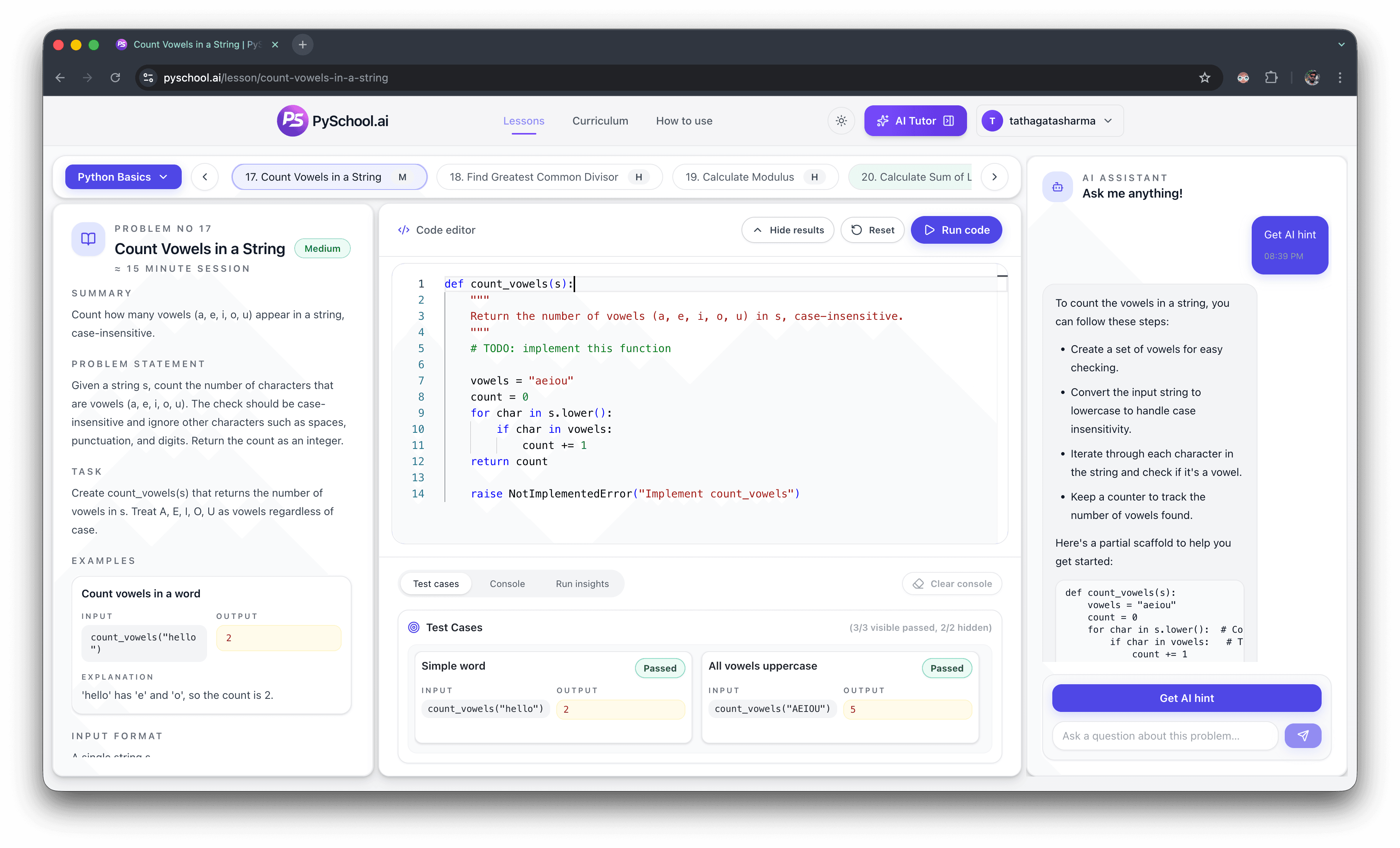
Python basics practice
Use this hub when a tutorial made sense but basic Python coding questions still feel slow. Practice type conversion, convert string inputs to numbers, make decisions, work with lists and dictionaries, and wrap small answers in functions.
Core topics
Types, conditions, loops, lists, dictionaries, functions
Practice goal
Turn basic concepts into reliable habits
Format
Browser lessons with examples and tests
Search focus
Python basics practice and beginner exercises
Editorial trust
Beginner hubs are reviewed against the public lesson catalog so the linked exercises match the stated topic, open as public practice pages, and support a clear path from basics into the curriculum.
See the PySchool.ai editorial policy for how practice content is generated, reviewed, tested, and updated.
Direct answer
Python basics practice should turn syntax into small working programs: convert strings to numbers, compare values, use loops, build lists and dictionaries, return values from functions, and validate input. The best order is values first, collections second, functions third, then edge cases that prove the code works.
Python basics are the core language habits used in most programs: values, conditions, loops, collections, functions, and input handling.
A collection stores multiple values, such as a list for ordered items or a dictionary for key-value lookup.
Input validation checks whether data is safe to use before the program relies on it.
Best exercises
Common mistakes
Practice by problem type so each concept is tied to a real prompt and expected output.
Use dictionaries for lookup, counters, and records once list scanning becomes repetitive.
Add edge cases such as empty input, bad input, equal values, and missing dictionary keys.
Learner questions
Variables, strings, numbers, type conversion, conditionals, loops, lists, dictionaries, functions, and input validation are the practical basics.
Start with type conversion exercises, then use converted values in comparisons, totals, and validation checks.
Beginner exercises are the starting point. Basics practice is broader and includes collections, dictionaries, functions, and input safety.
Learn lists first for ordered data, then dictionaries for named lookup, counters, and structured records.
You are ready when you can solve small loop, list, string, and function prompts without checking syntax every few lines.
Practice plan
Python basics are not just vocabulary. You need to know when to convert a string to an integer, when to use a comparison, when a list is the right structure, when a dictionary makes lookup easier, and when input should be validated before the rest of the function runs.
This page is organized as a practical review path for Python exercises for beginners. It is useful after you have watched a beginner course, before you start DSA, or whenever simple coding questions still take too long because the fundamentals are shaky.
Lesson groups
Foundation
Start here when a question depends on reading a value correctly and choosing the right branch. These basics show up inside almost every later Python problem.
Variables
Create a named value and use it in later expressions.
Strings
Practice assigning text values without fighting Python syntax.
Type conversion
Turn strings and numbers into the form a problem expects.
Conditionals
Use modulo and if statements to make a simple decision.
Comparisons
Use equality and greater-than checks to return the right result.
Collections
Lists are the bridge between basic syntax and algorithm practice. Work through creating, reading, slicing, counting, and transforming lists before attempting harder array-style problems.
Lists
Build a list from a numeric range and return the expected values.
Indexing
Read from the front and back of a list with confidence.
Slicing
Use slice boundaries to return the part of a list you need.
Loops
Walk through each list item in order and produce output.
Mapping
Apply the same operation to every item in a collection.
Uniqueness
Remove repeats without changing the order of first appearances.
Lookup
Dictionaries are essential for lookups, counters, and structured beginner problems. These lessons keep the scope basic: create data, retrieve a value, update entries, and handle missing keys cleanly.
Dictionaries
Map names to values and return structured lookup data.
Dictionary lookup
Avoid missing-key failures by returning a fallback value.
Dictionary updates
Practice changing dictionary contents in a controlled way.
Reliability
A basics practice session should end with functions because tests usually call your function directly. Add input validation so your beginner code handles messy cases instead of only the happy path.
Functions
Write a reusable function with parameters and a return value.
Return values
Use a parameter to build predictable text output.
Function logic
Combine comparisons inside a function body.
Input validation
Check input before using it in a calculation.
Errors
Handle division edge cases without crashing the program.
Parsing
Convert numeric text and return a safe fallback for bad input.
Free preview vs full access
The lessons linked here are public preview lessons that are accessible without login. They give searchers and new learners enough real work to understand how PySchool.ai practice feels: read a prompt, write code, run tests, and improve the answer.
The full curriculum is still the source of the complete sequence. Paid access unlocks the rest of the lesson library and the broader AI support features, while the free preview keeps the entry-level basics discoverable and useful.
Open selected beginner lessons and practice in the browser before signing in.
Unlock the broader lesson sequence, premium practice, and full AI assistance.
Related practice paths
Use the broader hub for topic practice, DSA, and interview-style problems.
Start with short beginner exercises before moving into larger topics.
Use a question-bank format for warmups and interview prep foundations.
Practice for loops, counts, totals, search, and iteration patterns.
Use ordered for-loop drills for lists, range, enumerate, and sums.
Practice exact text output, reversal, palindrome checks, and character counts.
Browse the complete learning path, modules, and free preview lessons.