For loop
A for loop repeats a block of code once for each item in a sequence such as a list, string, or range.
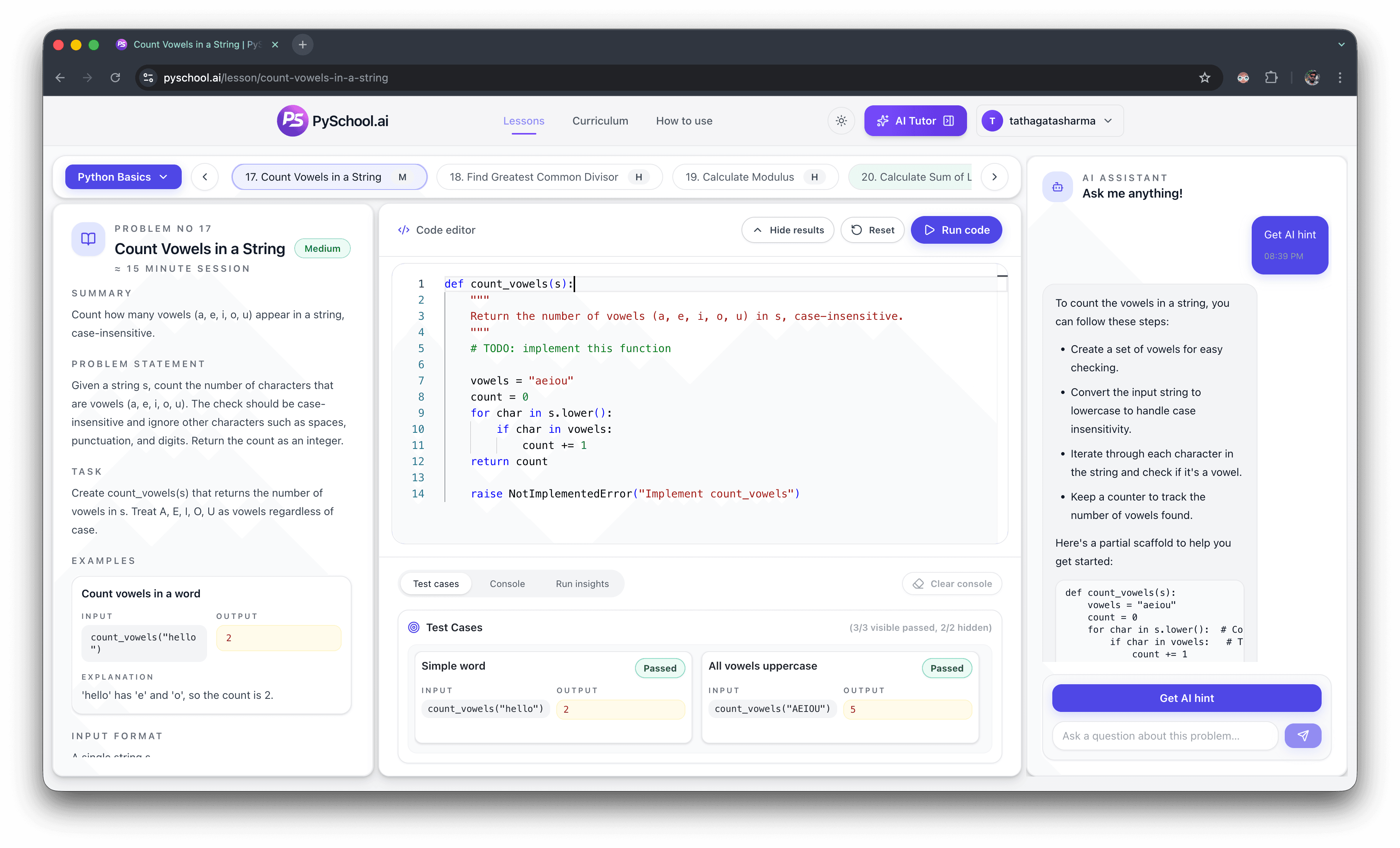
Python for loop exercises
Use this page when you specifically want for loop practice in Python, not a broad loops overview. The sequence moves from visiting each list item to counting, summing values, range loops, early search, enumerate, and reverse iteration.
Focused intent
Python for loop exercises
Practice count
8 ordered exercises
Examples
Each prompt includes sample input and expected output
Next click
Open matching lessons or public teaser pages
Editorial trust
Long-tail practice clusters are curated from the public curriculum, lesson teaser pages, and topic hubs so learners can compare a focused sequence before opening an interactive exercise.
See the PySchool.ai editorial policy for how practice content is generated, reviewed, tested, and updated.
Direct answer
Python for loop exercises should start with one visible list, one loop variable, and one expected output. Then practice counting, summing list values, range loops, search, enumerate, and reverse iteration. Beginners improve fastest when related for-loop prompts are solved in order and tested with empty, single-item, and multi-item inputs.
A for loop repeats a block of code once for each item in a sequence such as a list, string, or range.
The loop variable is the name that receives the current item during each round of the loop.
A range loop repeats code for a sequence of numbers, often used when the index or count matters.
Best exercises
Common mistakes
Return after the loop unless the prompt asks you to stop at the first matching value.
Loop directly over the list or string until the prompt needs an index.
Counters, totals, and collected results usually change once per item inside the loop body.
Learner questions
Print list items, sum list numbers, count elements, and repeat work with range are good first exercises.
Solve one loop pattern at a time: direct iteration, count, total, range, search, enumerate, then reverse iteration.
Use direct iteration first. Use range when the exercise needs a number sequence or position.
Practice enumerate after simple loops, when the prompt needs both the item and its index.
Small inputs reveal bad initial values, early returns, and assumptions that the loop always runs.
Ordered practice
This page is narrower than the broader python loops practice. It is built for learners who already know the topic they want to practice and need a concrete sequence with examples, expected output, and common mistakes before opening the editor.
1. Warmup - Direct iteration
Given a list of names, output each name in the same order.
Example
["Ada", "Linus", "Guido"]
Expected output
Ada
Linus
Guido
Why it matters: This is the first for-loop shape to understand before adding state.
2. Warmup - Accumulator
Given a list of numbers, return the total.
Example
[2, 4, 6]
Expected output
12
Why it matters: Totals teach how a variable changes each time the loop runs.
3. Warmup - Counting
Given a list, return how many items it contains.
Example
["red", "blue", "green"]
Expected output
3
Why it matters: Counting separates loop mechanics from numeric summing.
4. Core - State over time
Given numbers, return the total after each item is processed.
Example
[3, 5, 2]
Expected output
[3, 8, 10]
Why it matters: Running totals make intermediate loop state visible.
5. Core - Loop search
Return the first negative value in a list, or None if there is no match.
Example
[4, 2, -3, -8]
Expected output
-3
Why it matters: Search problems are the main case where early return is useful.
6. Core - Range
Return the numbers from 1 through n.
Example
n = 4
Expected output
[1, 2, 3, 4]
Why it matters: Range loops help when a problem depends on counts or generated positions.
7. Stretch - Enumerate
Return pairs of index and value for a list.
Example
["a", "b"]
Expected output
[(0, 'a'), (1, 'b')]
Why it matters: Enumerate avoids manually updating a separate index variable.
8. Stretch - Reverse traversal
Return the input values from last to first.
Example
[1, 2, 3]
Expected output
[3, 2, 1]
Why it matters: Reverse loops prepare learners for string reversal and pointer-style problems.
Practice order
Continue practicing
Practice loop patterns before moving into mixed collection problems.
Practice indexing, scanning, filtering, transforming, and list edge cases.
Practice exact text output, traversal, formatting, and character-level logic.
Use the main Python practice hub for beginner, topic, DSA, and interview paths.
Exercise links open the browser editor or the public teaser for the matching curriculum lesson.
Continue through the full curriculum when you want the locked sequence, progress, and tutor support.